coldfront.wtf
a utility for games
One clean menu and one loader for all your games. Sign in once, redeem your key and you're in.
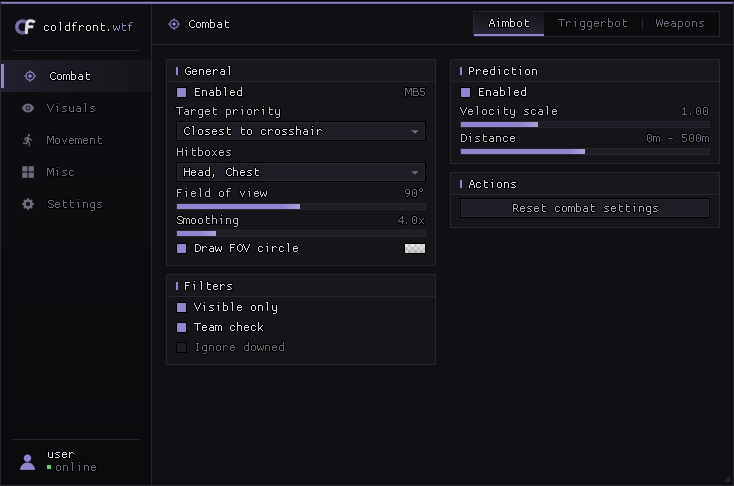
same frame, from the first click
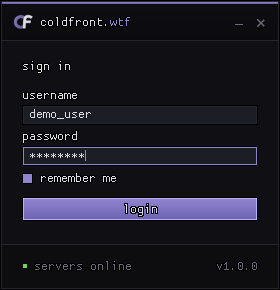
One small panel that grows into the game list and shrinks back while it waits for your game.
- 1sign in
Same login as the website. Remember me only stores the name.
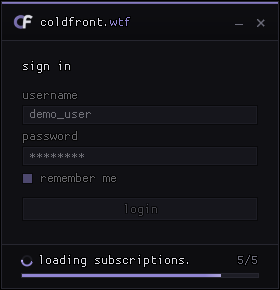
- 2checks
Server, updates, hwid, credentials and subscriptions, with live progress.
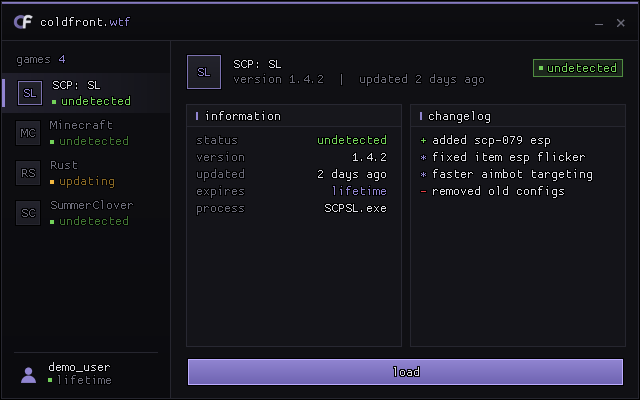
- 3pick a game
The card expands into your games, with status, info and changelog.
- 4status aware
Load is locked while a product is updating.
- 5launch
Shrinks back and waits for the game, then prepares and loads.
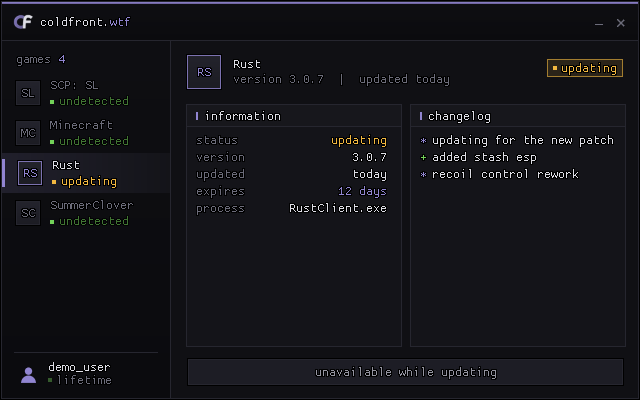
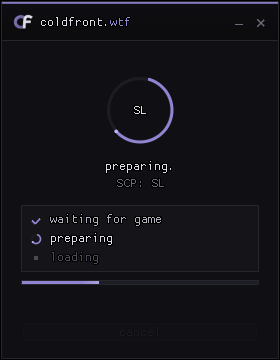
pick your game
Choose a plan, then buy it on our Discord. Payments are handled there, and you get a key to redeem on your dashboard.
1. join our Discord · 2. open a ticket with the game and plan · 3. pay and get your key · 4. redeem it on the dashboard
games
Live status for every product. The loader reads the same list.
products loading...
| game | status | updated |
|---|---|---|
questions
Where do I put my license key?
Create an account, open the dashboard and go to licenses → redeem. Keys look like XXXX-XXXX-XXXX-XXXX. Redeeming another key for a game you already own extends it.
What do I log in to the loader with?
Your coldfront.wtf account. The loader uses the same username and password as this website.
I changed my PC. What now?
Your first loader login binds your device. You can reset that binding from the dashboard once every 7 days.
Is it undetected?
We always try to keep our products undetected. If one of our products gets detected or flagged, we let our users know right away. You can check the current state of every game in the status section.
How do I open the menu in game?
Press INSERT. The key can be rebound in settings.
ready when you are.
Create an account, redeem your key and sign in to the loader.